Essay
Run Free
You don't need more apps, more subscriptions or more integrations. You need a few small tools that do exactly what you do, on the computer you already own.
You already own a supercomputer
The laptop on your desk is more powerful than the machines that ran whole companies a generation ago. Most of the time it sits idle, a window onto someone else's servers.
We pay every month to upload a file somewhere so a server can do what our own machine could do in a second: resize an image, convert a video, merge a few PDFs, rename a folder of photos, back something up. We pay in money, and we pay in data, and we pay again when the price goes up or the plan changes.
You don't need more apps
Look at what you actually do in a day. Click, save, upload, move, rename, check, organize, monitor. The same handful of jobs, over and over. The work is narrow and it repeats.
Yet for each job we reach for a big app with hundreds of features, learn its menus, put up with its updates and pay for its plan, all to use one corner of it. We don't use apps because we want apps. We use them to get something done.
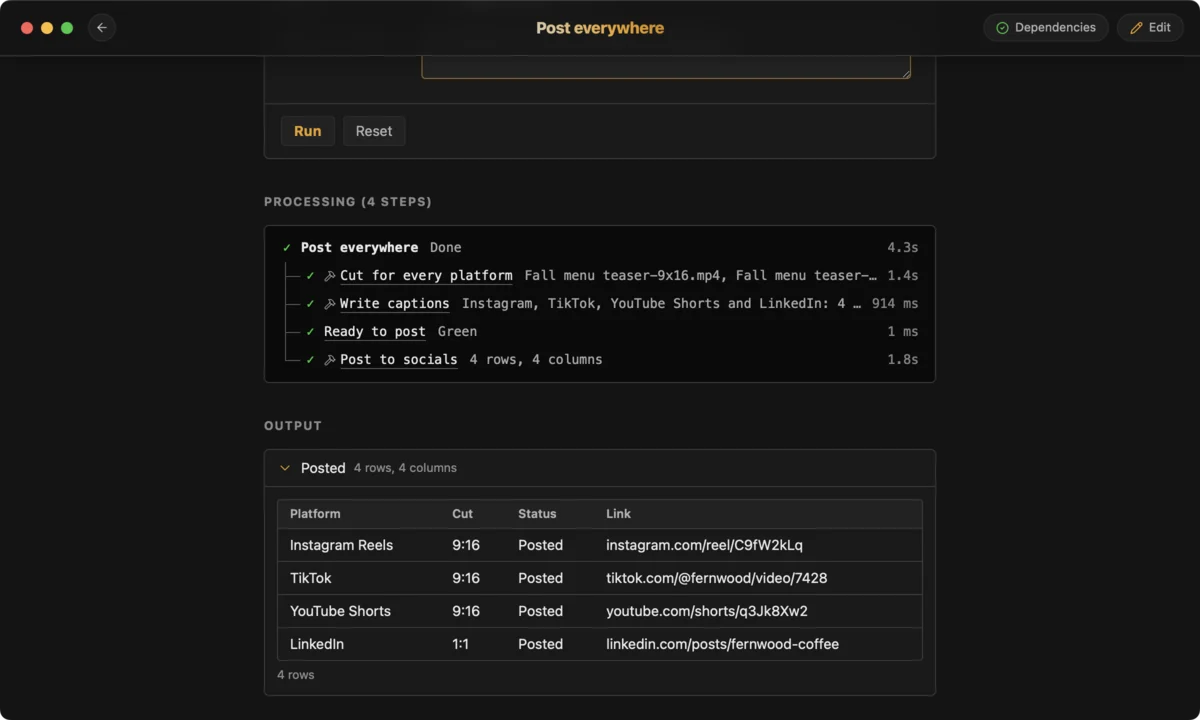
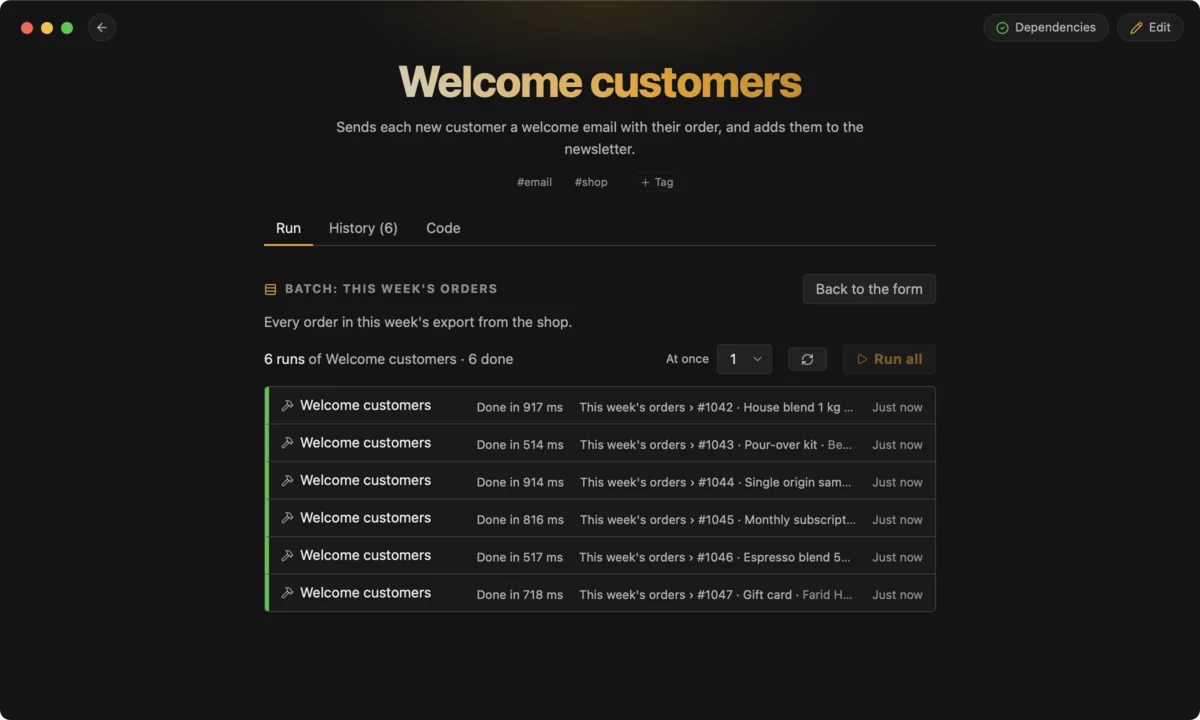
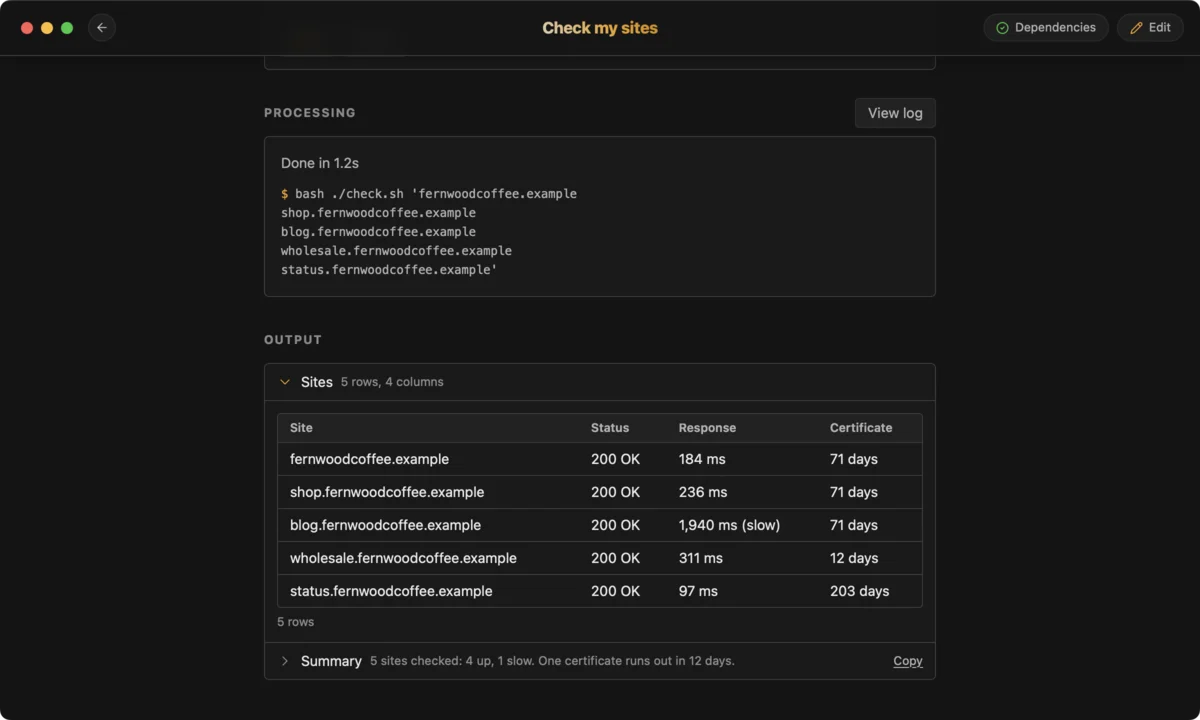
A small tool that does one job, exactly the way you do it, beats any app built for everyone. Think of them as micro-apps: one window, the inputs that job needs, a Run button, the result.
More plumbing isn't the answer
The current wave promises to fix all this with AI: skills, MCP servers, connectors, agents wired into every service you use. Look closely and it is the same SaaS world with another layer on top. Another subscription. Another set of API keys. Another integration that breaks when someone changes an endpoint. And a model called, and billed, every time you do a task you have already done a hundred times.
A routine job doesn't need to be reasoned about every time. It needs to be done. Most of it can be done locally, today, for free.
Use what's already there
Your computer ships with capable tools, and the open source community has spent decades building more: ffmpeg for video and audio, ImageMagick for images, pandoc for documents, rsync for copying, curl for the web, git, sqlite, and thousands of others. Free, fast, and tested by millions of people.
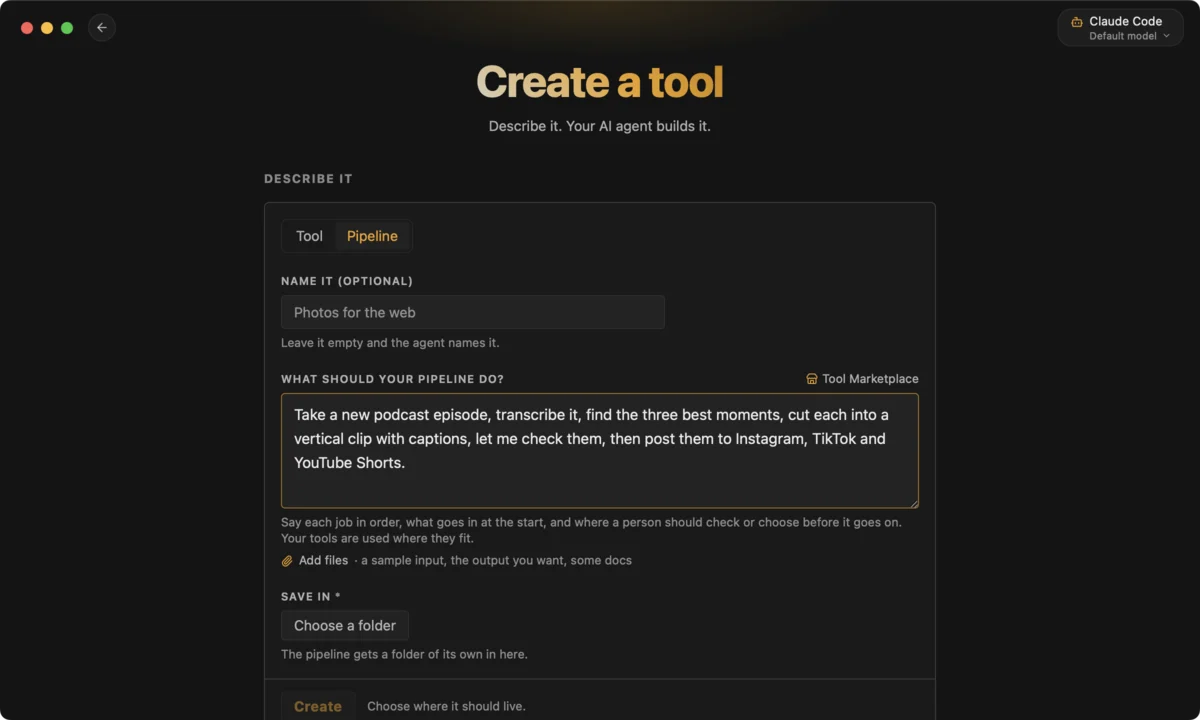
The catch has always been the command line: flags to remember, quoting to get right, manual pages to read. That is the gap CLIDE closes. A CLIDE tool is a small text file that says what the inputs are and which command to run. CLIDE turns it into a window with fields, checkboxes and file pickers, runs the command on your machine, and shows you the results. Every run is kept.
You don't have to write that file. Describe the job to an AI agent and it writes the tool for you. That is a good use of AI: once, to build something, not every day, to do it.
Run free means something
Once a tool is built, it doesn't need AI to run. No tokens, no account, no subscription, no network unless the job itself needs one. It runs today, and it will run next year.
If AI is part of the job, say transcribing a recording or summarizing a document, that is a step in your tool, and you choose which model does it. Swap it whenever you like.
And AI is moving onto your machine. Models that run locally are getting better fast, and before long they will be on everyone's computer. When that happens, everyone who built their work around hosted agents and paid integrations will have to start over. Your CLIDE tools won't care. They call programs on your computer, and a local model is just one more program.
Your workflow operating system
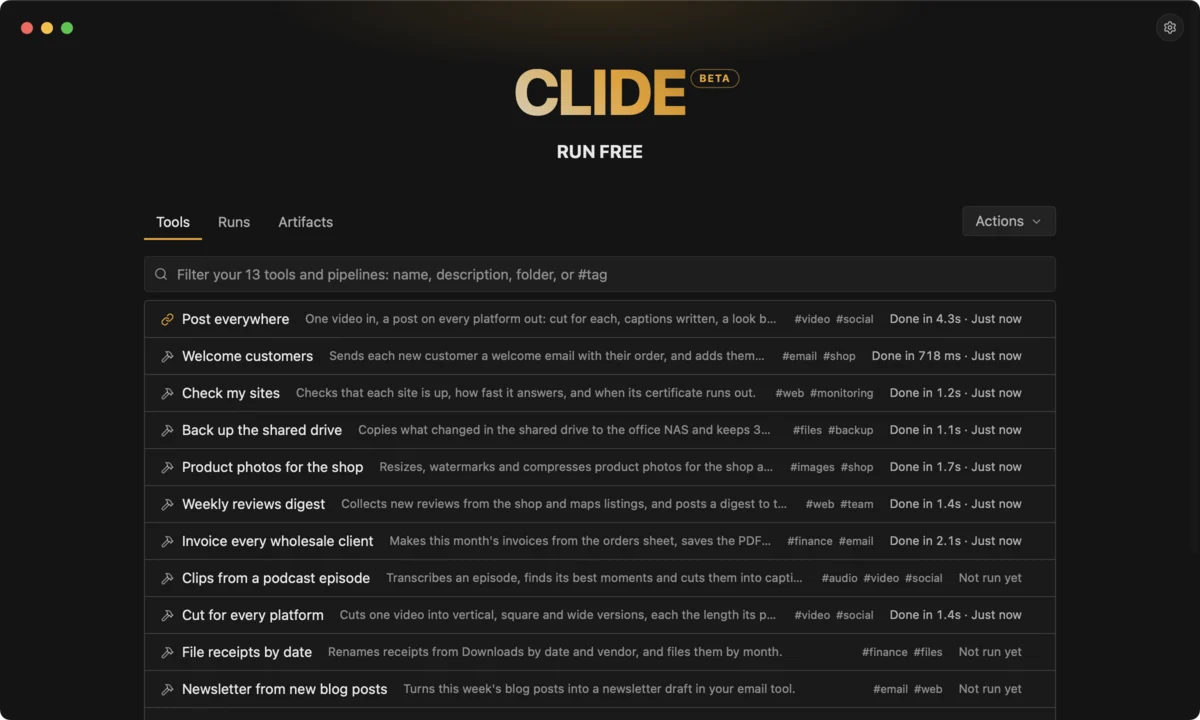
So take the things you do over and over, and turn each one into a tool. One for the weekly export. One for the photos from the shoot. One that checks the site is up. One that files the invoices.
Over time you build a collection: plain-text files you can read, keep in version control and share with your team. Together they describe exactly how you work. That is a workflow operating system. Not a platform you rent, but a set of tools you own.
Build it once. Run it free.